

Shakhi Singh
Content Creator
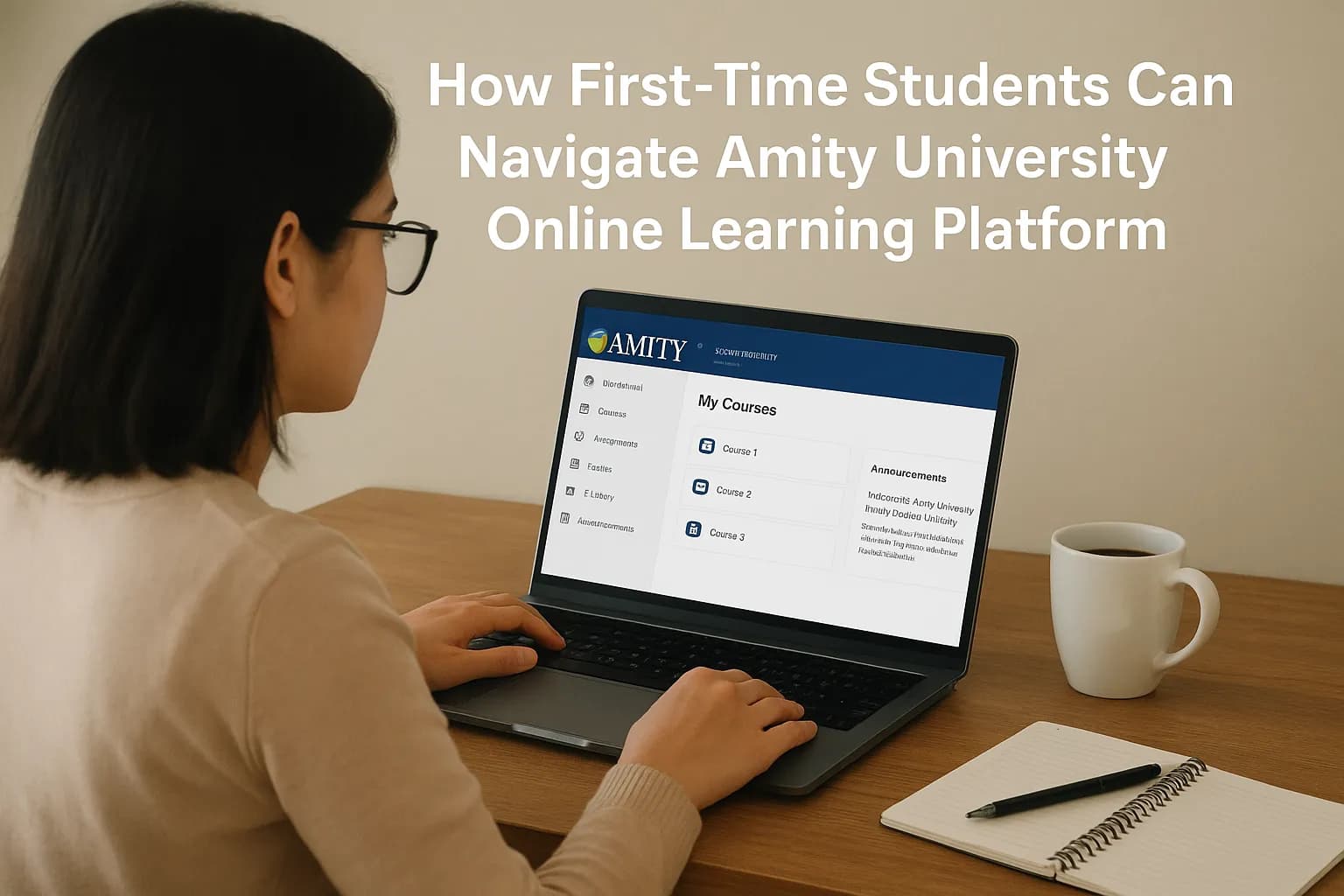
Starting your journey at Amity University Online is exciting, but it also comes with a learning curve. For many first-time students at Amity University Online, the biggest challenge is figuring out how to make the most of the university’s online learning platform, also known as the Learning Management System (LMS). This platform is where your classes happen, assignments are submitted, and grades are tracked.
If you’re new, it can feel a bit overwhelming at first but don’t worry. The good news is that with the right approach, you can quickly get comfortable. This guide is designed to help you step by step, so you’ll know exactly how to log in, find your courses, attend live lectures, and avoid common mistakes.
Your first step is to log into the Amity Online portal using the credentials provided after admission. This login is your key to everything like course content, schedules, announcements, and support resources.
Think of the portal as your virtual campus noticeboard; everything you need to know is right there.
Once logged in, you’ll see your dashboard. This is where you’ll spend most of your time. At first, the layout may look packed with links, but it’s easy to follow once you know what to look for.
Tip: Explore your dashboard in the first week itself. The more familiar you are with the structure, the smoother your semester will be.
Amity Online offers a mix of live interactive classes and recorded lectures.
This flexibility is one of the biggest strengths of online learning; you never have to worry about missing a lecture.
Assignments are an essential part of your academic journey at Amity Online. Submissions happen directly through the portal.
Pro tip: Keep copies of all submitted assignments on your computer. Technology is reliable most of the time, but having a backup gives peace of mind.
Exams at Amity University Online are proctored digitally, meaning they’re monitored for fairness. Here’s how to prepare:
Being calm and well-prepared makes online exams far less stressful.
Amity’s digital library is one of its most useful features. It includes e-books, journals, and research papers across disciplines.
Many students overlook the e-library, but it can give you a real edge when preparing assignments and research projects.
Just because you’re learning online doesn’t mean you’re on your own. The LMS allows you to connect with professors and classmates easily.
Building these relationships can also be valuable for networking and future career opportunities.
If you ever feel stuck, whether it’s technical trouble or academic confusion Amity offers dedicated support channels.
Remember, support exists to make your life easier, use it.
Here are some simple yet powerful tips:
Still feeling confused, don't worry you can book your free counselling session with our experts at DegreeFYD.
Many new students face the same challenges. Here are the most common mistakes and how to avoid them:
Learning from these mistakes early saves a lot of frustration later.
At first, the LMS might feel like just another piece of software. But the truth is, it’s the core of your academic journey at Amity Online. The students who thrive are the ones who treat the portal not as a burden but as a powerful tool.
Explore the best online platforms for students and learn how to navigate them successfully.

Adapting to the Amity University Online Learning Platform doesn’t have to be stressful. By understanding your dashboard, staying consistent with assignments, and using available resources, you can create a smooth and successful online learning experience. With the right mindset, Amity’s LMS becomes more than just a tool, it becomes your personal guide to academic success.
© 2026 Nuvora Education Private Limited. All rights reserved.