
BaliJeet
Content Creator
Stepping into the world of online education is exciting, but it can also feel overwhelming. Unlike a traditional campus where classrooms, libraries, and faculty are physically present, here your success depends on how well you use the digital tools provided. At Lovely Professional University (LPU), online students get access to a robust set of platforms and resources that make learning flexible and effective.
If you’re wondering which of these tools matter the most, this guide will help. We’ll explore everything from the Learning Management System (LPU LMS) to note-taking apps, collaboration platforms, and productivity hacks. By the end, you’ll know exactly how to set yourself up for success as an online learner.
And if you’re new to this journey, DegreeFYD can be your go-to platform for expert advice on online programs, tools, and strategies that actually work.
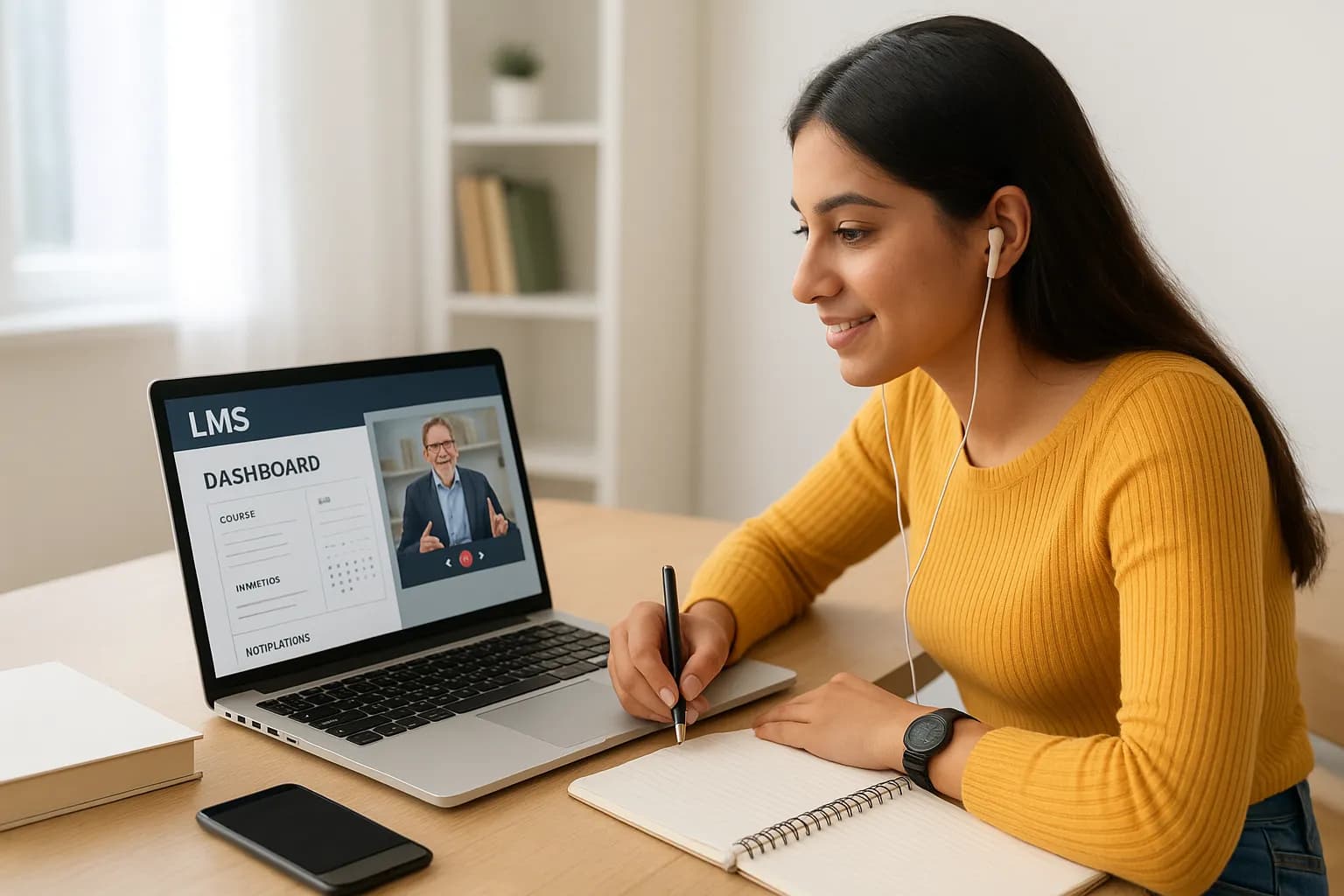
Think of the LMS as your campus in the digital world. It’s where everything begins and ends: classes, assignments, grades, and resources.
Many LPU students say treating the LMS like their “main classroom” made their transition to online learning much smoother.
Explore the best online tools for students at Lovely Professional University.

While many associate online classes with endless Zoom calls, LPU’s virtual classrooms go a step further. They combine video conferencing with interactive tools like polls, Q&A, and group discussions.
Missed a class? No problem. Recorded lectures let you revisit tough topics. One student we spoke to mentioned how rewatching finance lectures at 1.5x speed before exams became her secret weapon.
Here’s the thing: LPU’s e-library is often underused by first-year students. But it’s a goldmine.
Smart students use the library to strengthen assignments with solid references, giving them an edge over peers who stick to lecture slides alone.
Pro Tip from DegreeFYD: Build the habit of saving at least one credible resource from the e-library every week. It adds up and makes your research stronger.
Not everyone can sit at a desk for hours. That’s why LPU’s mobile-friendly platforms are a lifesaver.
One working professional pursuing an MBA at LPU told us that he completed entire modules during metro rides, turning travel time into learning time.
Discipline is half the battle in online education. External apps can be paired with LPU’s system to stay organized:
If you’re juggling work and studies, these tools make sure deadlines don’t sneak up on you.
One fear many online students have is isolation. But with the right tools, networking is possible:
Remember, some of the best career opportunities come from the peers you connect with, even virtually.
Exams at LPU are conducted with robust digital tools. Students use:
While it may feel intimidating at first, many students appreciate the transparency and efficiency of this system compared to traditional exams.

Getting a degree is just the first step, what matters is where it takes you. LPU integrates career-focused tools:
One alum shared how she cracked an interview by using LPU’s online mock test platform, which simulated real interview scenarios.
With group projects being common, secure file storage is essential. Students often rely on:
This ensures no project is lost due to a misplaced USB or laptop crash.
Taking notes during live sessions is still crucial, even with recorded classes available:
Some students even combine handwritten notes with scanning apps to store them digitally, best of both worlds.
Here are a few tried-and-tested strategies:
Online learning at Lovely Professional University is not just about attending classes, it’s about mastering the tools that make learning effective. From the LMS and virtual classrooms to e-libraries, collaboration apps, and productivity tools, each plays a unique role in shaping your success.
At the same time, having the right guidance makes this journey smoother. That’s where DegreeFYD comes in. By providing expert insights on online degrees, learning strategies, and digital platforms, DegreeFYD ensures you’re always a step ahead.
Take a look at the best online tools for students at Lovely Professional University and let DegreeFYD guide you toward a successful online learning experience.
© 2026 Nuvora Education Private Limited. All rights reserved.